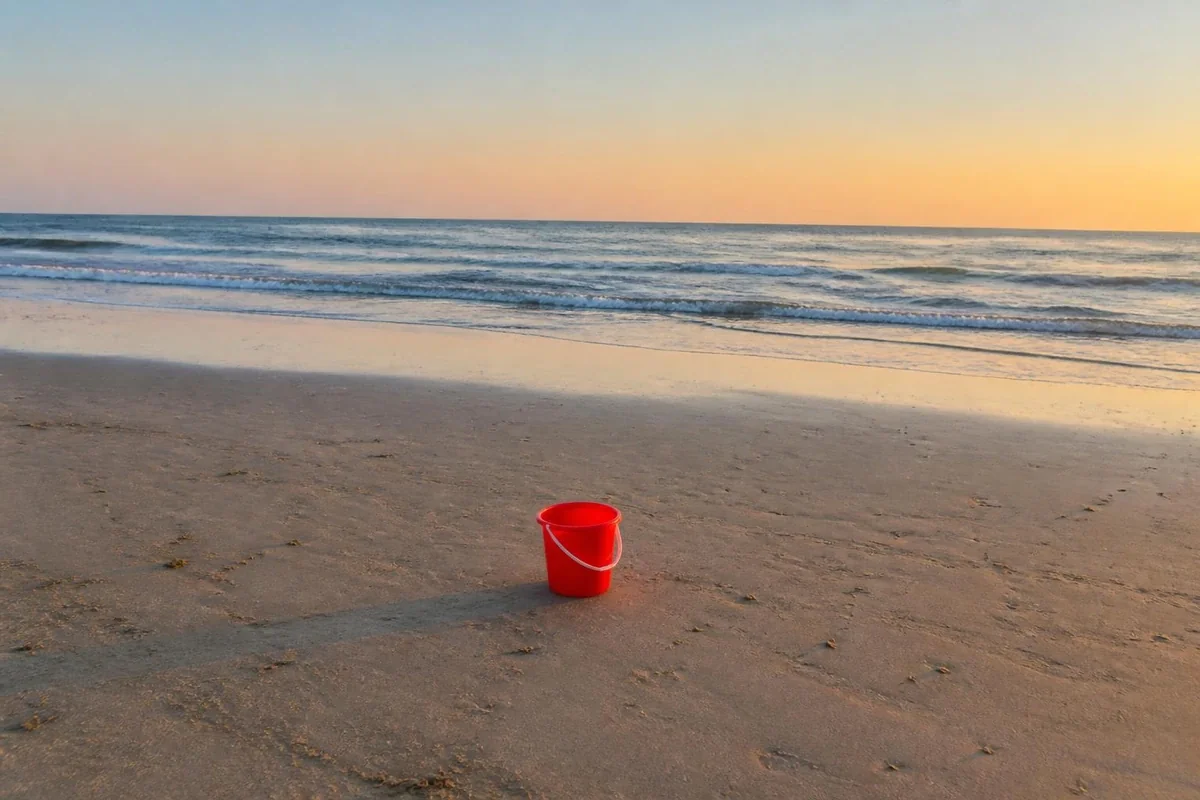
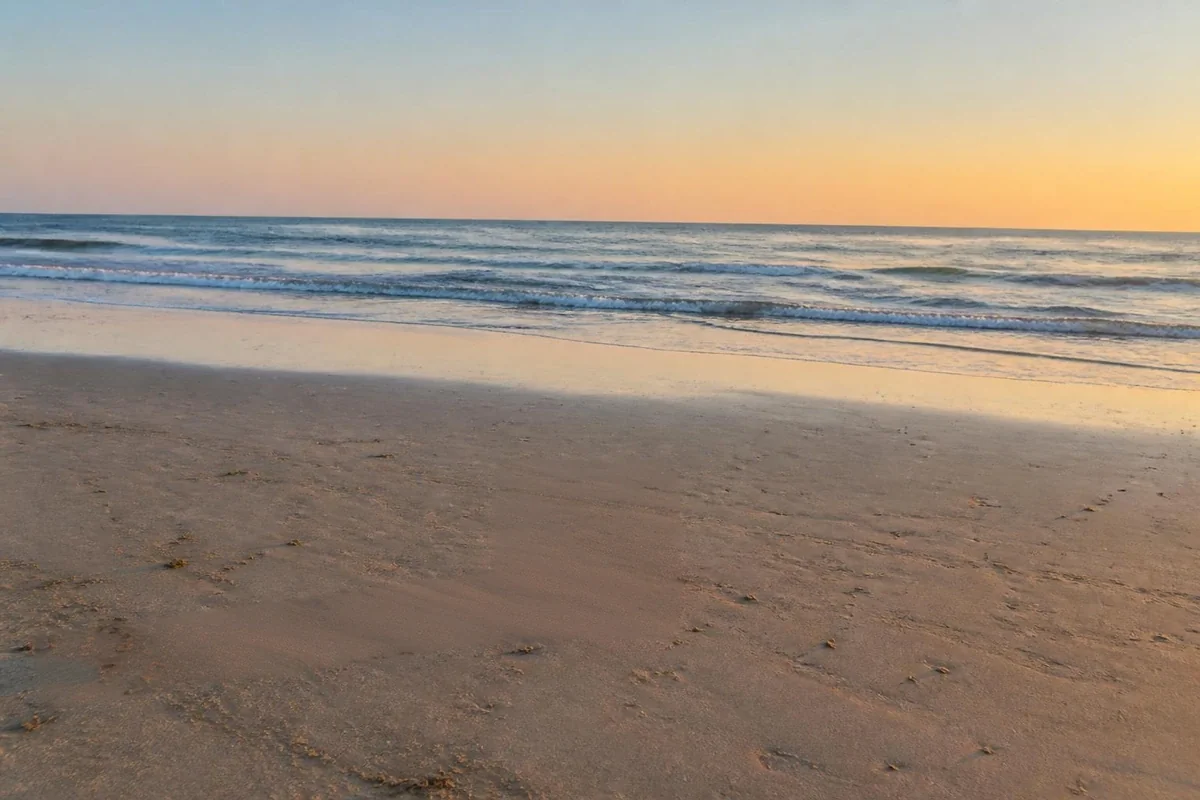
No. 08 — AI Tools · Cloud HDPro · on our GPU

Text off a photo, the surface heals.

A caption burned into a holiday snap, a shop sign behind the portrait, a label across your own product shot. Sweep the brush over the letters and our GPU rebuilds the surface that the type was sitting on.

Pro · Cloud HDDeleted on completionUp to 25 MB · 24 MP
Remove textCloud HD · our GPU

How it works

  1. Pick the picture — JPEG, PNG or WebP, up to 25 MB and 24 megapixels.
  2. Sweep across the whole line of type, gaps and drop shadows included. A generous block mask beats tracing letterforms.
  3. PowerPaint continues the surface underneath and returns a PNG at the original resolution. Counts as one of the 10 monthly HD runs.

This page is the object remover, tuned to lettering — thin, high-contrast masks over whatever the type happens to sit on.

All Image Tools

AI Tools

Solutions by use case

Remove Text from a PhotoPro, on our server

Type is a thin mask, and thin masks are the easy case. Inpainting works by continuing what surrounds the hole you punched, so the narrower the hole the more evidence there is on either side of it. Individual letters are a few dozen pixels wide with unbroken surface all around them, which is why lettering on a wall, a sky, a bonnet, a road or a defocused background usually vanishes with no visible trace at all. The comparison worth holding in your head is with a whole human figure, which leaves a gap wider than anything nearby can explain. Text sits at the other end of that scale, alongside power lines and scratches on a scan — the family of jobs this model is best at.

What breaks it is texture, not size. Set a sentence across a brick wall, a hedge, a tiled roof, a herringbone floor or a patterned dress and every letter becomes a small demand to continue a repeating structure through a gap. The model gets the colour and the grain right, and the alignment slightly wrong: mortar lines shift by a pixel or two, a leaf repeats, a stripe bends. At a normal viewing size this is invisible; at 100% on a large screen it is the thing a careful eye lands on. Judge the result at the size the picture will actually be seen, and if it must survive a full-resolution print, mask a little wider so the fill has more room to resolve the pattern.

Mask in blocks, not outlines, and take everything that came with the type. A drop shadow, a stroke, a semi-transparent bar behind a caption and the soft glow around a bright glyph are all part of what makes the text visible, and each is left untouched unless your brush covers it. The usual failure is a mask cut tight to the glyph: the anti-aliased pixels at the letter edge stay, and the result carries a faint embossed ghost of the word you removed. Sweep across the whole line in one or two strokes with a margin, then check the outcome; a second pass over one stubborn word is cheap in attention and gives the model a fresh, simpler problem. If what you really want is the text as data rather than gone, read it out first — MiniPx has an on-device image-to-text reader that never uploads anything.

Scope, privacy and cost, stated plainly. This page is about text in your own photographs; stripping an ownership mark from a picture somebody else made is not what it is for. Text removal is Cloud HD — Pro-only, opt-in, and it runs on our GPU because PowerPaint is far too heavy for a browser. The file and the mask are encrypted in transit, processed in the United States, deleted when the run finishes and in all cases within 24 hours, and never used to train anything. Pro gives you 150 runs a month on Monthly and 200 on Annual, of which 10 may be HD; every removal is HD. When the text is only part of a wider tidy-up, the photo clean-up page covers doing several removals in one considered pass, and the general object remover explains the same mechanism applied to anything that is not lettering.

How it works

  1. Open the text remover: Go to minipx.com/remove-text-from-photo with a Pro account signed in.
  2. Upload the picture: JPEG, PNG or WebP up to 25 MB and 24 megapixels, uploaded over an encrypted connection for this one run.
  3. Sweep the brush across the type: Cover the whole line including gaps, outlines and drop shadows. Do not trace individual letters.
  4. Run it and inspect at 100%: Download the PNG at your original resolution and zoom to the filled band — repeat over any letter ghost that survived.

Frequently asked questions

Does the surface behind the lettering change how well this works?
Almost entirely. Type on a flat wall, a clear sky, a car door, a plain shopfront or an out-of-focus background disappears without a trace, because the model only has to continue one colour and one grain. Type across brickwork, foliage, a printed fabric or a crowd is much harder: the fill has to invent pattern that lines up on both sides of every letter.
Can it clear a whole paragraph or a caption bar, not just a word?
Yes, and a solid caption bar is often easier than scattered words, because it is one continuous rectangle with a single surface behind it. Long paragraphs across a photograph are harder — the masked area is large in total even though each letter is thin, and the model has to reconstruct a wide band of scene rather than close small gaps.
Do I have to trace around each letter?
No, and you should not. Sweep the brush across the whole line of type with a few pixels of margin, including the gaps between letters and any drop shadow or outline stroke. A mask that follows every serif tends to leave a faint ghost of the glyph edges; a slightly generous block mask fills more cleanly and takes a fraction of the time.
What if the text crosses a face, a hand or a product label?
That is the case to be careful with. Where type sits over a plain surface the fill is reconstruction; where it sits over a face or a logo the model must reinvent features it can only guess at, and it will produce a plausible but wrong eye or letterform. Mask the part over plain background, and consider cropping the rest away instead.
Should I use this on an image I did not take?
This page is for text in your own photographs — a burned-in caption, a sign you did not want in frame, a label on your own product shot. Removing a credit line, signature or ownership mark from somebody else’s picture is a different act with legal consequences, and it is not what this tool is here for. Ask the owner instead.
What happens to my file, and what does one attempt cost?
It is a Cloud HD run: the photo and mask go encrypted to our GPU in the United States, are used once, and are deleted when the run finishes and in all cases within 24 hours, never used to train anything. Text removal draws the HD allowance — 10 HD runs a month on Pro. A failed run costs nothing.